This guide walks through configuring Language Server Protocol (LSP) support for Go, Python, Ruby, TypeScript, and JavaScript in GitHub Copilot CLI. It also includes practices for keeping AI coding sessions efficient and token-conscious.
Part of a Series
This post is part of a broader series exploring how modern AI coding
assistants understand and work with code.
The series starts with the foundations of how source code moves through the
development toolchain—from ASTs and parsing to compilers and language
servers (LSP)—and then builds on those concepts to explain how AI coding
tools can use this information to navigate and reason about a codebase.
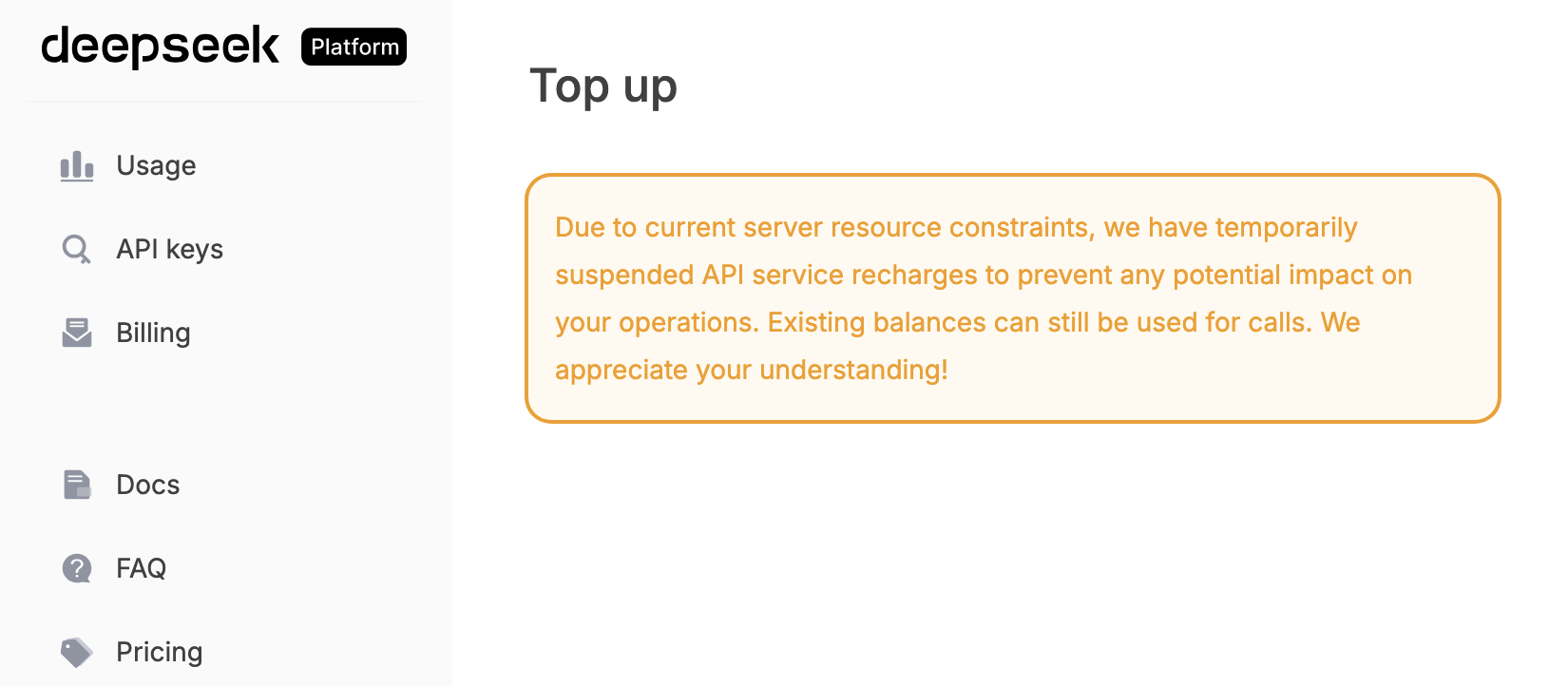
DeepSeek-R1 is an advanced AI model that can be run locally for various natural language processing tasks. DeepSeek has suspended its usage top-up feature recently, and I had to find a way to use it locally in order to work on a side project. I have documented the steps, which resulted in this blog post.
In this post, we’ll walk through the process of setting up and running DeepSeek-R1 using Ollama, a tool designed for easily managing AI models locally. We will also test the setup using a curl command to verify its functionality.
In one of our high-traffic deployments, which sits at the intersection of web and AI use cases, we had a Redis cache pod shared between the web application and AI background workers. While this setup wasn’t ideal, it had worked well—until one day, we were paged: Redis was down‼️ When a Redis pod crashes or restarts frequently, it’s important to follow a step-by-step guide to diagnose and resolve the root cause effectively.
A rate limiter is a mechanism used to control the rate at which certain operations or requests are allowed to be processed by a system or an API. It helps prevent abuse, protect system resources, and ensure fair usage by limiting the number of requests or actions that can be performed within a specific timeframe. And Richard Schneeman has put it nicely in his tweet where he said:
If you provide an API client that doesn’t include rate limiting, you don’t really have an API client. You’ve got an exception generator with a remote timer.
In today’s globalized world, catering to a diverse audience is essential for businesses. To effectively serve localized content to users across the globe, it’s crucial to streamline the localization process. This blog post explores a practical solution by pulling out localization files from your project and placing them in a standalone repository. We’ll focus on using Rails project conventions for simplicity reasons.
Motivation
Leading a significant feature in a shared code base often leads to the creation of a Long Standing Changelist (LSC). In such cases, translation files tend to be rapidly evolving due to other team members working on smaller fixes and features. This can become a major headache when merging changes with the upstream codebase.
Adding custom fonts to your application can greatly enhance its visual appeal and make a bold statement. In this article, we will explore how to seamlessly import custom fonts into your Rails 6 Application with Webpacker. By the end of this tutorial, you’ll be able to effortlessly integrate custom fonts and give your application a unique touch.
Steps to Import Custom Fonts
Download the Font:
Begin by downloading your desired font from a remote location. This could be a font repository or a trusted source like Font Meme.
Managing multiple git accounts becomes essential when you have multiple accounts that you want to contribute to. This tutorial will guide you through the process of seamlessly switching between two git accounts without any hassle.
Steps
Follow these steps to effectively manage multiple git accounts:
1. Create Git Accounts
Start by creating two git accounts, either on platforms like GitHub or GitLab, or using existing accounts from your workplace. For this tutorial, we will use two accounts created on GitHub.com.